Seating Chart for a Large Wedding (150+ Guests): How to Stay Sane
With 60 guests, a seating chart is a fun evening with a glass of wine. With 200, it is a project: 20-plus tables, dozens of constraints, and every change sets off three others. Here is how to keep it under control.
Work in layers, not guest by guest
At this size, placing people one by one doesn't work. Work from the biggest decisions to the smallest:
- Zones: split the room into areas (his family, her family, friends, work) around your table.
- Groups: assign each group of guests to a zone.
- Tables: split each group into tables of 8 to 10.
- Seats: only then, if you use place cards, decide who sits where.
Delegate the family tables
Nobody knows your uncle's side of the family better than your dad. Ask each parent to organize their own family tables within the number of seats you give them. It saves you hours and prevents most "why is aunt Linda at table 19?" moments.
Keep one source of truth
With 200 guests, the worst enemy is having three versions of the chart: one in a spreadsheet, one on a poster board, one in your partner's head. Choose one place, and make every change there.
Plan for cancellations
On a large wedding, expect 3 to 5% of confirmed guests to drop out in the last two weeks. With 200 guests, that's 6 to 10 empty seats. Don't try to fill each one: merge two half-empty tables if you need to, and keep one or two seats free for surprises.
Numbers you need to get right
- Tables: 200 guests at 60-inch rounds of 8 means 25 tables. At 72-inch rounds of 10, 20 tables. See guests per table by size.
- Room: check the venue can really fit that many tables with a dance floor.
- Caterer: a table-by-table breakdown of meals and allergies, not just totals.
- Entrance: with 200 people, escort cards take time. A large alphabetical seating display, or two, speeds up the flow.
Use a tool
This is where a seating chart tool stops being a nice-to-have. Moving one family of four in a spreadsheet can mean redoing half the room by hand. The most common seating chart mistakes also multiply with the guest count.
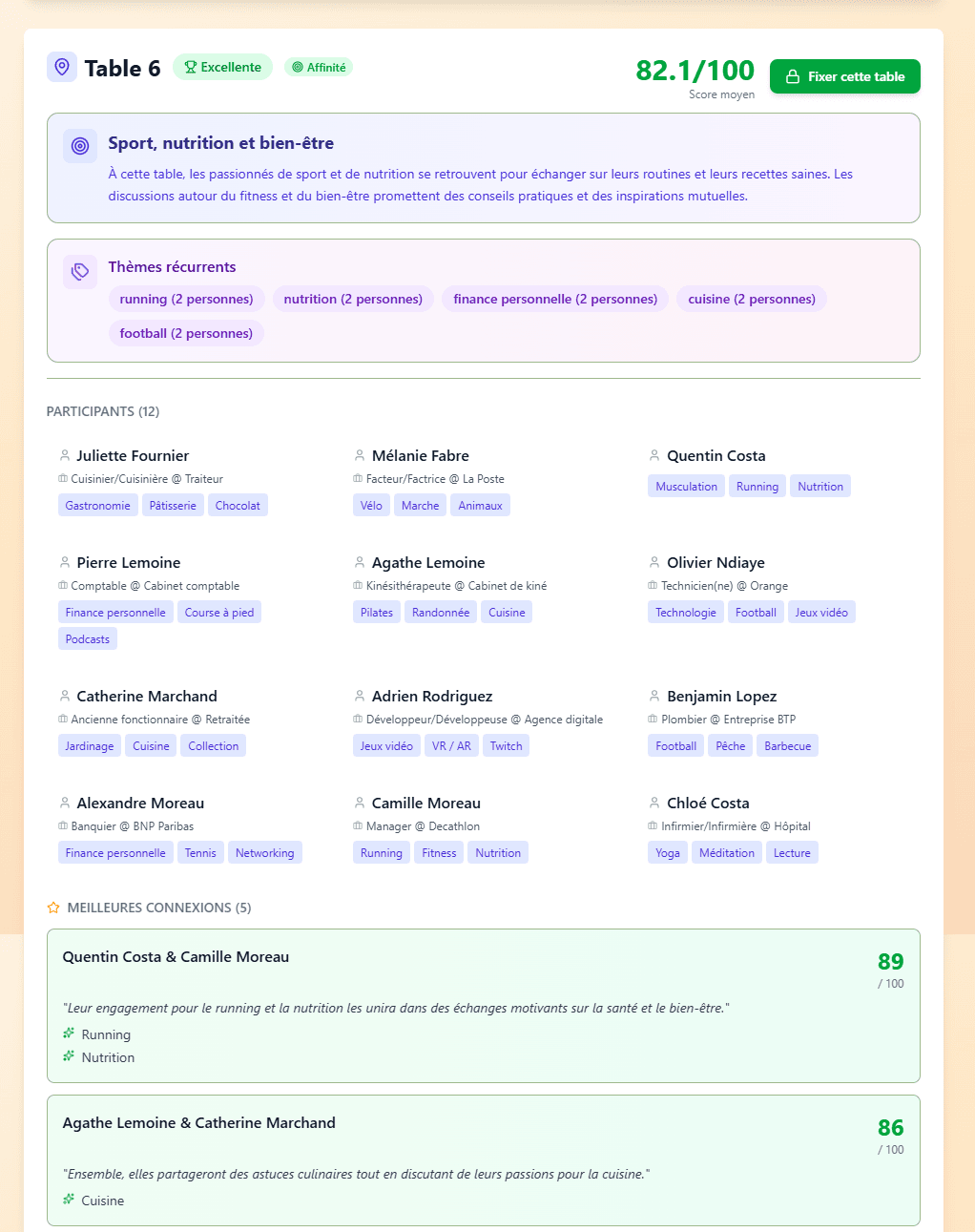
Tabbl was built for exactly this. Import your guest list, set your tables and your rules, and the AI builds a complete seating chart for hundreds of guests in seconds, then explains why each guest was placed where they are.
Ready to make your seating chart?
Tabbl builds your seating chart in seconds with AI
Try Tabbl for free